Making voiceovers with cloud tools gets expensive in a quiet way. I fix one word and pay again. I try a new voice and pay again. A full chapter can take four or five takes, and every take burns credits.
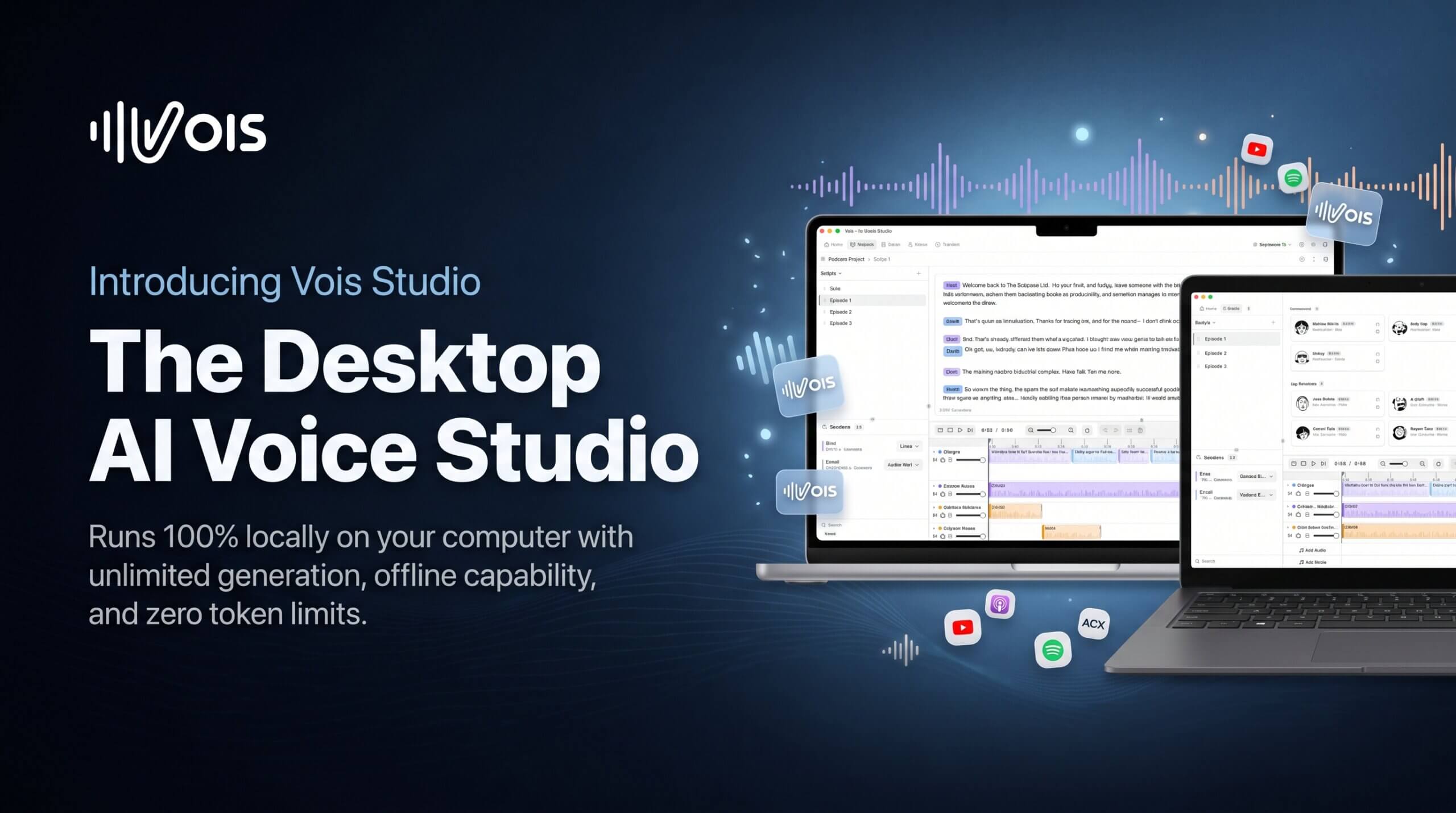
Vois Studio fixes that cost problem in a simple way. It is a desktop app that runs on my own computer. I paste a script, pick a voice, and generate the audio locally. Nothing is counted per word. That is the whole point of a good Vois review — I can revise as much as I like and the price does not move.
The AppSumo deal starts at $59 for lifetime access to the Vois Subscriber plan, instead of $192 a year normally. Higher tiers add voice cloning and CLI access. This Vois lifetime deal is very different from paying for every character.
Core Features of Vois Lifetime Deal
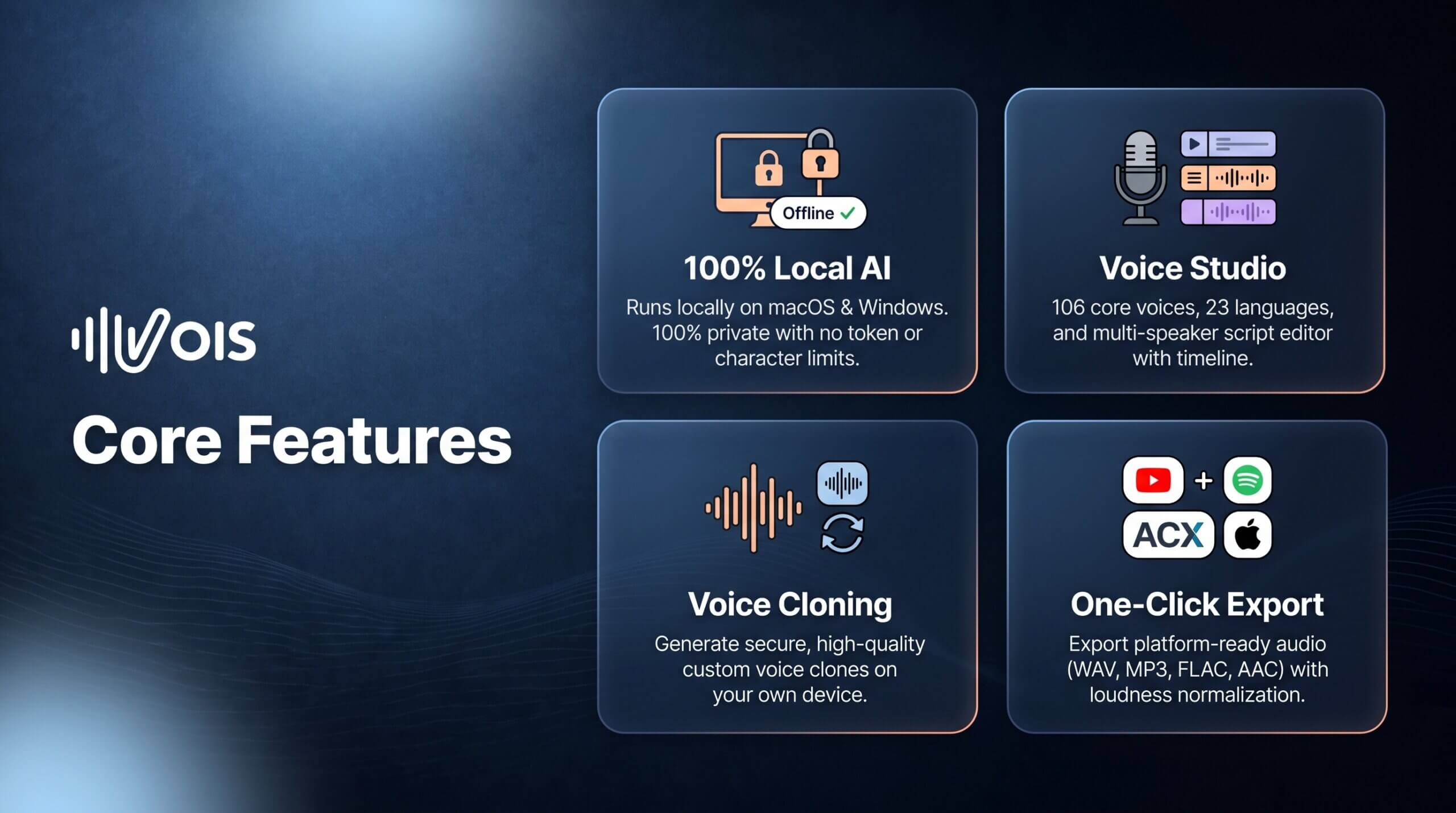
Local generation with no token limits
Vois runs on my computer, not in the cloud. I can fix a name, try another take, or change a whole paragraph. No meter runs while I work, so a long audiobook costs the same as a short one.
112 voices in 23 languages
The core library has 112 voices after the 2.4 update. I can filter by language and by male or female voices. I save my favorites so I find my narrator fast. The included Multilingual engine covers 23 languages, which is enough for most of my projects.
Script editor with multi-speaker support
I write or paste my script right inside the app. I can add speaker tags for each person or character. Each speaker gets their own voice. This is handy for podcasts with two hosts or a story with different characters.
Timeline, mastering and export presets
After I generate a line, I arrange clips on a multi-track timeline. I add music and sound effects on their own tracks. Mastering tools help me set loudness and clean the sound with EQ. Then I export with presets for Spotify, YouTube and ACX.
Voice cloning from a short sample
On the higher AppSumo tiers, I can clone a voice from a 10 to 15 second recording. The clone is made and stored on my own device. I only clone my own voice or a voice I have permission to use. Then I can narrate new scripts without recording every line again.
CLI access for automation
Higher tiers also include CLI access. A local AI agent can propose a voice, generate speech, and export audio after I approve the step. It still runs on my machine, so my scripts stay with me.
Pros of Vois
- No token limits: I generate and re-generate locally without paying per word or per take.
- Private by design: My text and recordings stay on my computer. They are not sent to a server to be voiced.
- Flat lifetime price: $59 once next to $192 a year for the normal Subscriber annual plan.
- 112 voices included: A large core library in 23 languages, with favorites and filters.
- Full studio in one app: Script editor, multi-speaker support, timeline, mastering and export presets are built in.
- Works offline: After setup and model downloads, I can keep producing with no connection.
- Unlimited exports: AppSumo licences currently have no export-count limit, per the founder.
Cons of Vois
- No Pro features: No AppSumo tier includes Vois Pro. That means no Omni model, no Voice Design, and no 600+ languages.
- Cloning is tier-gated: Voice cloning and CLI access are Tier 2 and Tier 3 features, per the founder’s posts.
- Real hardware needs: I need an Apple Silicon Mac or a Windows PC, with 16 GB of RAM recommended and large model downloads.
- Speed depends on my PC: Generation is local, so an older or weaker computer will feel slower.
- Small quality notes: AppSumo’s review summary notes minor Japanese pronunciation errors and occasional audio artifacts.
- Store rules still apply: Google Play Books, Kobo and Spotify each have their own AI-content rules. An export preset does not guarantee acceptance.
Who is Vois best for?
- Audiobook creators: Turn a manuscript into chapter audio without paying per character on every revision.
- Podcasters: Give each host a steady voice, fix lines fast, and export with podcast presets.
- YouTube creators: Make voiceovers for faceless channels without booking a voice actor each time.
- Course creators: Narrate lessons in 23 languages and update them without re-recording.
- Indie authors: Hear your own story read aloud and publish when the take finally feels right.
- Small studios: Clone a permitted voice once, then produce client work locally for one flat cost.
Vois AppSumo Pricing Plan
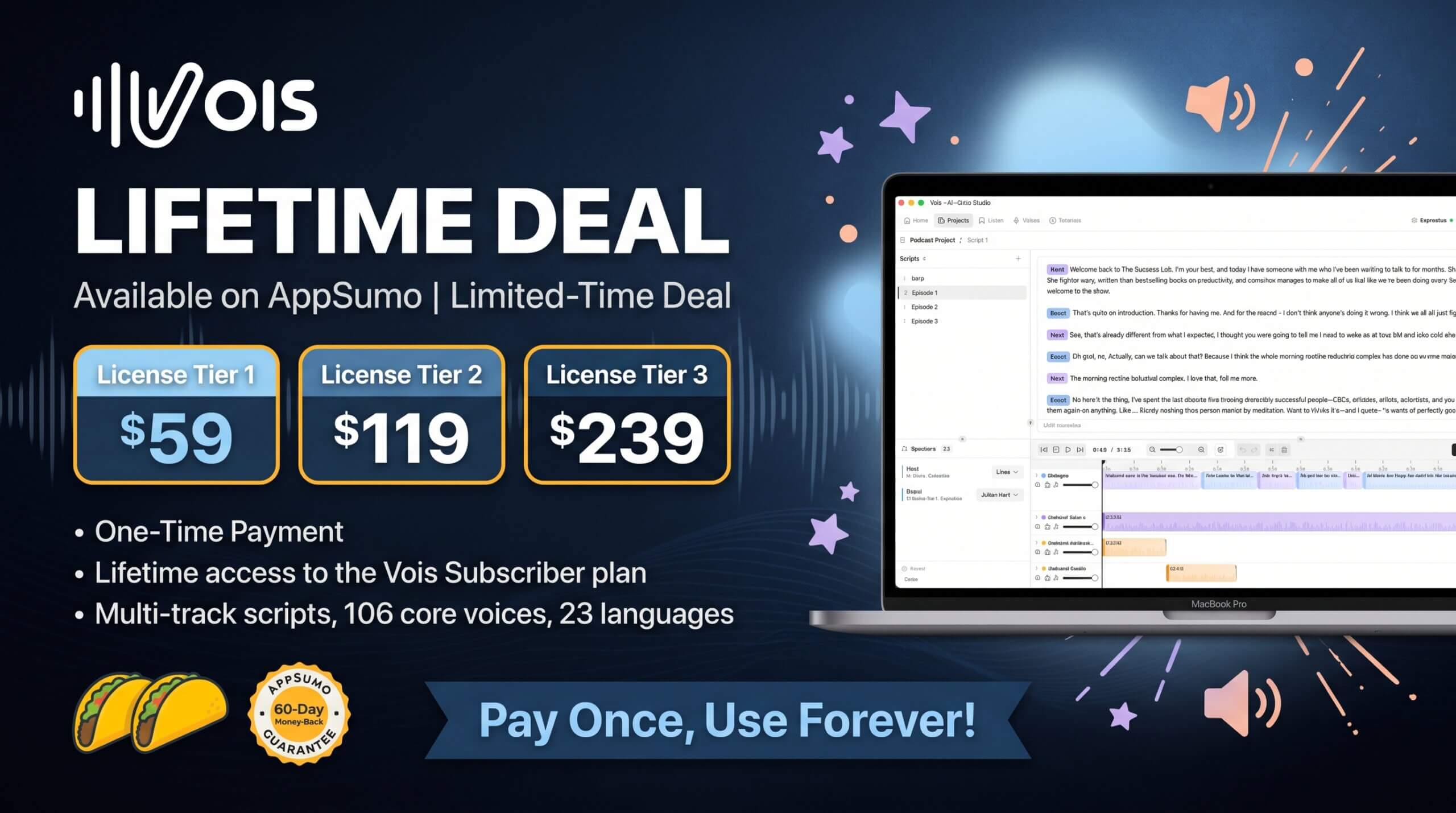
License Tier 1 — $59
- Lifetime access to Vois Subscriber plan (Tier 1)
- Unlimited local audio generation
- 112 core voices in 23 languages
- Fast, Expressive and Multilingual engines
- Script editor with multi-speaker support
- Multi-track timeline, mastering and EQ
- Export presets for Spotify, YouTube and ACX
- WAV, MP3, FLAC and AAC exports
- Works on macOS (Apple Silicon) and Windows
License Tier 2 — $119
Includes everything in License Tier 1, plus:
- Voice cloning from a 10–15 second sample (up to 5 cloned voices)
- CLI access for automation and local AI agents
License Tier 3 — $239
Includes everything in License Tier 2, plus:
- The highest AppSumo Subscriber tier — up to 15 cloned voices, 5 devices, and the commercial usage license
- Text-to-speech and voice cloning with all three included engines
All tiers are one-time payments for lifetime access to the Subscriber plan. No tier includes Vois Pro, Omni or Voice Design. Every purchase is refundable for up to 60 days. If you want to test this Vois lifetime deal with no risk, the 60-day window is enough time. Prices verified on the live AppSumo page on 2026-10-10 — always re-check before you buy, as deals change.
How to Get an Extra 10% OFF On Vois Lifetime Deal?

- Follow the instructions and get the extra benefit of 10% OFF 😉
- Go to this link AppSumo and get 10% OFF
- You will see a pop-up form comes for unlocking a 10% discount
- Provide your email there and claim your discount
- Note: This is available for first-time purchases only
5 Best Vois Alternatives 2026
Vois is local and flat priced. These five cloud tools are the ones creators compare it with.
Vois vs ElevenLabs
ElevenLabs is the best-known cloud voice platform, loved for natural speech and strong cloning.
- Starting price: $6 per month for Starter
- Main advantages: Very natural voices, instant and professional cloning, large voice library
- Main limitation: Credits are shared across products, so revisions and long books burn the balance fast
- Difference from Vois: ElevenLabs is cloud and credit based. Vois runs on my computer with unlimited generation for one flat price.
Vois vs Murf
Murf is a voiceover studio made for video and training content.
- Starting price: Around $19 per month billed annually for Creator
- Main advantages: Clean studio editor, good for explainer videos and e-learning, easy timeline workflow
- Main limitation: Still a monthly bill, and cloning is limited on lower plans
- Difference from Vois: Murf is a cloud studio I rent by the month. Vois is a local studio I own after one payment.
Vois vs Speechify
Speechify is popular for reading text aloud, with a Studio for voiceovers and dubbing.
- Starting price: $100 per year for Studio Starter
- Main advantages: Fast workflow, well-known brand, good for turning articles into audio
- Main limitation: Studio credits cap how much I can produce, and plans can be confusing next to the Reader app
- Difference from Vois: Speechify charges by Studio credits. Vois has no generation meter at all on paid plans.
Vois vs WellSaid Labs
WellSaid Labs focuses on professional English voiceovers for business teams.
- Starting price: $10 per month billed annually for Starter
- Main advantages: Clean, trusted English voices and simple team workflow
- Main limitation: Download minutes are metered, and wider language support sits on higher plans
- Difference from Vois: WellSaid is a polished cloud service for English work. Vois gives me 23 languages and unlimited local takes.
Vois vs Resemble AI
Resemble AI is built for developers who want cloning and speech through an API.
- Starting price: Pay-as-you-go from $0 on Flex, then per-second TTS charges
- Main advantages: Strong cloning control, watermarking tools, flexible API pricing with no subscription floor
- Main limitation: The dashboard is less friendly for creators, and costs rise with every second I generate
- Difference from Vois: Resemble is an API I pay for by usage. Vois is a finished desktop studio with no per-second bill.
Which Vois alternative fits best?
Pick ElevenLabs for the most natural cloud voices. Pick Murf for a simple cloud studio. Pick Speechify to turn articles into audio. Pick WellSaid Labs for trusted English business voices. Pick Resemble AI for API control. Pick Vois to generate without a meter, keep scripts private, and pay once.
Final Thoughts – Vois Review 2026
What I like most is the freedom to retry. A chapter takes a few tries before it sounds right. With Vois, those tries cost nothing extra. I can fix a name, change a voice, and listen again until it feels like my story.
The controls that matter to me are the multi-speaker script editor, the pronunciation fixes, and the timeline with mastering. They turn raw audio into a finished file I can upload.
At $59 for lifetime access, this deal is easy to test. If you make audiobooks, podcasts or voiceovers a few times a year, the Vois lifetime deal pays for itself fast.