Client work lives in too many places. Docs in one app, tasks in another, files in a shared drive, and the client asking for updates over email. Every new client means another round of setup and chasing.
FuseBase puts it all in one place. It is an AI-powered workspace that combines an internal team workspace with branded client portals, deal rooms, and sites. It adds AI agents that work around the clock, custom apps you build with AI, and hosted open-source tools like n8n and Firecrawl. One workspace for your team and your clients.
The FuseBase lifetime deal starts at $79 once for one code, with lifetime access. You can stack codes, with 10 codes costing $790. It is rated 4.68 out of 5 from 607 reviews on AppSumo, and it is one of the top-rated Notion alternatives there.
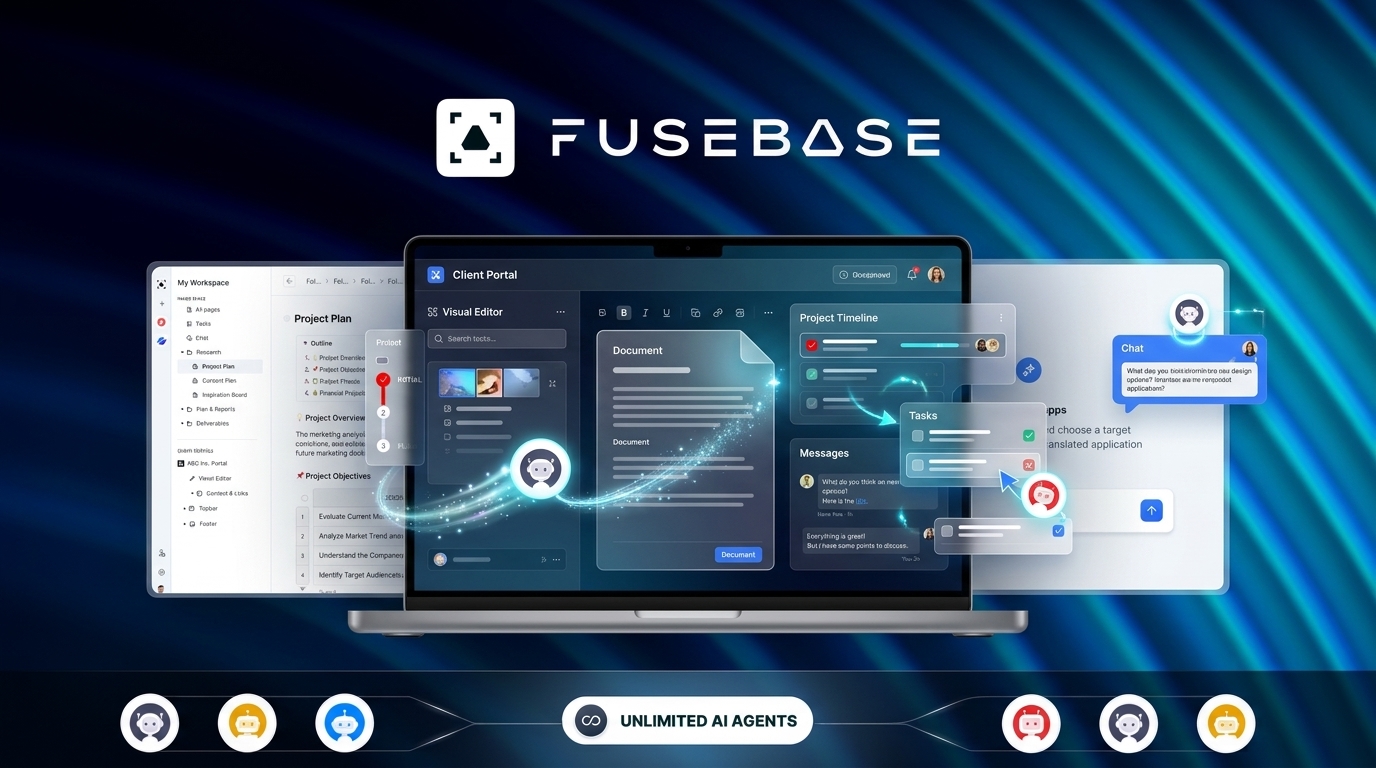
Core Features of FuseBase Lifetime Deal
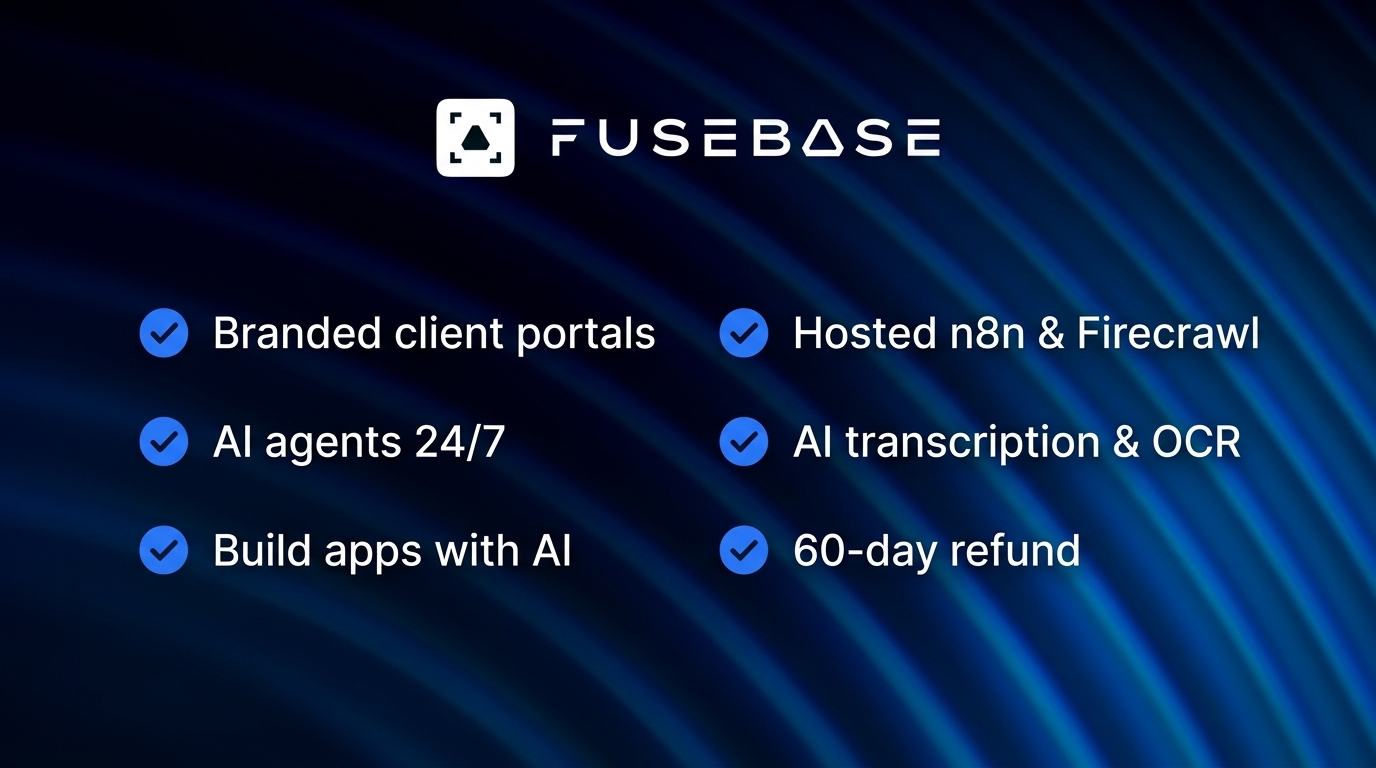
Branded client portals
FuseBase builds white-labeled external workspaces for client portals, sales deal rooms, partner portals, and onboarding portals. Portals match your brand colors automatically, and granular permissions control which client sees which files and folders. Your clients get one clean place for everything.
Internal team workspace
Your team gets drag-and-drop pages with tables, PDFs, images, and embeds for Figma, Miro, and Looker Studio. There is a file manager, task lists with a Calendar View, and an Organization Dashboard with project timelines, team workloads, and client activity.
AI agents that work 24/7
Agents live inside your internal and external workspaces. They draft docs, summarize meetings, update records, answer client questions in portals, assign tasks, and automate approvals. AI-powered documentation can even auto-generate step-by-step guides with screenshots from your own clicks.
AI apps and vibe coding
You can build custom frontend and full-stack apps with AI tools like ChatGPT, Claude, VS Code, and Cursor, using your own AI subscription. Apps run standalone, inside workspace docs, or inside client portals. A production-ready backend is included, with Stripe integration and a plug-and-play database.
Hosted open-source tools
FuseBase Work hosts Paperclip, n8n, and Firecrawl for you, with maintenance and updates handled. You get the power of these tools without running your own servers. This is included at 10 codes, and smaller stacks can add it through the new packs.
AI transcription and OCR
FuseBase transcribes video and audio and reads text from images with OCR. Smart AI Trackers pull insights from data, videos, or transcripts, and a Meetings dashboard keeps it all in one place.
Pros of FuseBase
- Client portals and team workspace in one: You stop paying for a docs tool, a portal tool, and a task tool separately.
- White-labeled portals: Clients see your brand, not FuseBase, with permissions down to the folder.
- AI agents around the clock: Agents draft, summarize, and answer questions while you sleep.
- Build custom apps with AI: Frontend and full-stack apps with a backend and Stripe, using the AI subscription you already pay for.
- Hosted n8n and Firecrawl: Open-source automation and web research without server maintenance.
- Huge review base: 607 reviews at 4.68 stars is one of the strongest signals on AppSumo.
- 60-day refund: AppSumo gives you 60 days to test it and get your money back if it does not fit.
- New and existing users: The deal is open to both, and previous AppSumo customers are grandfathered into the new limits.
Cons of FuseBase
- Steep learning curve: Setup and portal customization take real effort, and the credit system is confusing at first. Documentation trails new releases.
- Still maturing: Some features are still in beta, and the database module is newer and slow to load and navigate, per AppSumo reviews.
- Thin entry tier for client work: One code gives you 1 user, 1 client portal, and 5 client accounts. An agency with several clients must stack codes quickly.
- Monthly usage caps on a lifetime deal: AI requests, automation credits, and transcription hours reset monthly, so heavy users can hit ceilings.
- Onboarding complaints: Many buyers report scheduled founder demos being cancelled or missed.
- No full Windows desktop app: Mobile apps are limited, and there is no full Windows desktop app yet.
- Reseller program postponed: The founder pushed reselling what you build in FuseBase to 2027, so do not buy it for that today.
- No native subtasks: Task management has no subtasks yet; the workaround is headers plus task lists.
Who is FuseBase best for?
- Agencies and consultants: You run client work and want branded portals, deal rooms, and onboarding in one place.
- Freelancers: You manage several clients and want one workspace that looks professional.
- Small teams: You need docs, tasks, and databases without paying per seat every month.
- Sales teams: You want deal rooms that keep every document and conversation in one place.
- Automation builders: You want hosted n8n and Firecrawl plus AI agents without running servers.
- Notion switchers: You want the workspace feel of Notion with client portals and AI agents on top.
FuseBase AppSumo Pricing Plan
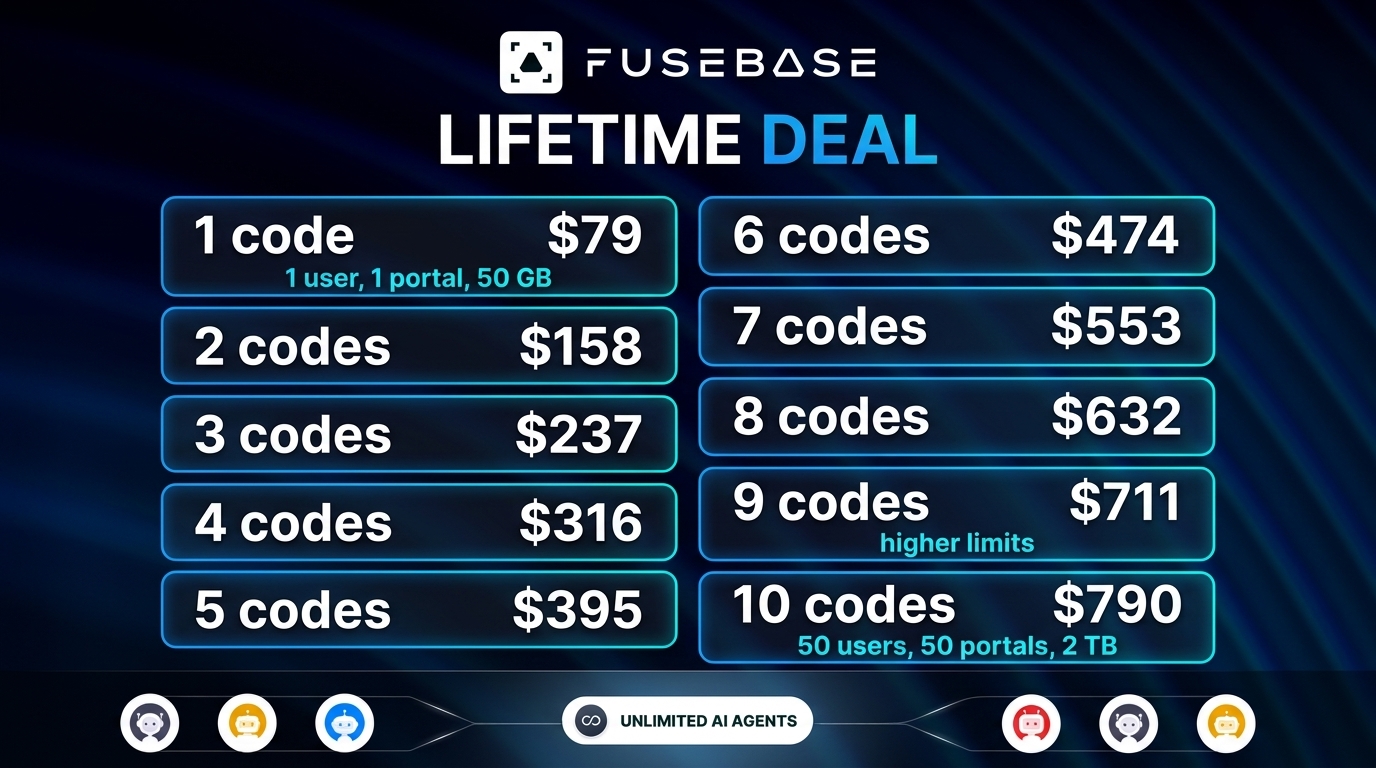
The FuseBase lifetime deal costs $79 per code, and codes stack with no limit. Codes 1–2 map to the Solo plan, codes 3–9 to Essentials, and 10 codes to Advanced. Each code past 10 adds 3 members, 3 guests, 100 GB storage, 1,500 OCR records, and 2 client portals. You must redeem your codes within 60 days of purchase.
License Tier 1 — $79
- One-time payment of $79 (list price $468)
- 1 user
- 50 workspaces
- 1 client portal
- 5 client accounts
- 50 GB storage
- 1,500 OCR records per month
- 5 AI agents
- 5 transcription hours per month
- 1,000 automation credits per month
- 1,000 AI requests per month
- 5 frontend apps, 1 full-stack app
- Branded client portals, team workspace, AI agents
- AI transcription and OCR
License Tier 2 — $158
Includes everything in License Tier 1, plus:
- One-time payment of $158 (list price $936)
- 3 users
- 100 workspaces
- 5 client portals
- 25 client accounts
- 100 GB storage
- 3,000 OCR records per month
- 8 AI agents
- 10 transcription hours per month
- 5,000 automation credits per month
- 2,500 AI requests per month
- 10 frontend apps, 2 full-stack apps
License Tier 3 — $237
Includes everything in License Tier 2, plus:
- One-time payment of $237 (list price $1,404)
- 10 users
- 200 workspaces
- 15 client portals
- 75 client accounts
- 400 GB storage
- 6,000 OCR records per month
- 20 AI agents
- 25 transcription hours per month
- 15,000 automation credits per month
- 10,000 AI requests per month
- 15 frontend apps, 3 full-stack apps
- Web search in AI agents
- Full export to HTML
- FuseBase MCP
License Tier 4 — $316
Includes everything in License Tier 3, plus:
- One-time payment of $316 (list price $1,872)
- 12 users
- 250 workspaces
- 20 client portals
- 100 client accounts
- 450 GB storage
- 7,000 OCR records per month
- 25 AI agents
- 30 transcription hours per month
- 20,000 automation credits per month
- 15,000 AI requests per month
- 20 frontend apps, 4 full-stack apps
License Tier 5 — $395
Includes everything in License Tier 4, plus:
- One-time payment of $395
- 14 users
- 300 workspaces
- 25 client portals
- 125 client accounts
- 500 GB storage
- 8,000 OCR records per month
- 50 AI agents
- 35 transcription hours per month
- 25,000 automation credits per month
- 50,000 AI requests per month
- SOC 2 and HIPAA
- White labeling
- Managed apps
- AI document indexing
- Code execution in agents
License Tier 6 — $474
Includes everything in License Tier 5, plus:
- One-time payment of $474
- 16 users
- 350 workspaces
- 30 client portals
- 150 client accounts
- 550 GB storage
- 9,000 OCR records per month
- 60 AI agents
- 40 transcription hours per month
- 35,000 automation credits per month
- 55,000 AI requests per month
License Tier 7 — $553
Includes everything in License Tier 6, plus:
- One-time payment of $553
- 18 users
- 400 workspaces
- 40 client portals
- 175 client accounts
- 600 GB storage
- 10,500 OCR records per month
- 70 AI agents
- 45 transcription hours per month
- 45,000 automation credits per month
- 60,000 AI requests per month
License Tier 8 — $632
Includes everything in License Tier 7, plus:
- One-time payment of $632
- 19 users
- 450 workspaces
- 50 client portals
- 200 client accounts
- 700 GB storage
- 12,000 OCR records per month
- 80 AI agents
- 50 transcription hours per month
- 55,000 automation credits per month
- 65,000 AI requests per month
License Tier 9 — $711
Includes everything in License Tier 8, plus:
- One-time payment of $711
- 22 users
- 500 workspaces
- 75 client portals
- 300 client accounts
- 800 GB storage
- 13,500 OCR records per month
- 75 transcription hours per month
- 65,000 automation credits per month
- 70,000 AI requests per month
- 90 frontend apps, 9 full-stack apps
License Tier 10 — $790
Includes everything in License Tier 9, plus:
- One-time payment of $790
- 50 users
- Unlimited workspaces
- 100 client portals
- Unlimited client accounts
- 2 TB storage
- 20,000 OCR records per month
- Unlimited AI agents
- 200 transcription hours per month
- 200,000 automation credits per month
- 100,000 AI requests per month
- SEO-friendly apps
- FuseBase Work with hosted n8n, Firecrawl, and Paperclip
How to Get an Extra 10% OFF On FuseBase Lifetime Deal?

- Follow the instructions and get the extra benefit of 10% OFF 😉
- Go to this link AppSumo and get 10% OFF
- You will see a pop-up form comes for unlocking a 10% discount
- Provide your email there and claim your discount
- Note: This is available for first-time purchases only
5 Best FuseBase Alternatives 2026
If FuseBase is not the right fit, these five tools cover similar ground. Each one works differently, so pick by how your team works.
FuseBase vs Notion
Notion is docs, wikis, and projects in one workspace. It is the closest match to FuseBase’s internal workspace side, and AppSumo names it as an alternative.
- Starting price: $10 per user per month billed annually (Plus)
- Main advantages: Huge template library, flexible pages and databases, big community
- Main limitation: No white-labeled client portals, no AI agents, no hosted n8n or Firecrawl
- Difference from FuseBase: Notion is a per-seat workspace for internal work. FuseBase adds client portals, AI agents, and hosted tools at a one-time price.
FuseBase vs Basecamp
Basecamp is flat-priced project communication and client work, and AppSumo names it as an alternative.
- Starting price: $15 per user per month (Plus), or $299 per month flat for unlimited users (Pro Unlimited)
- Main advantages: Simple and opinionated, good for client communication, flat pricing option
- Main limitation: No AI agents, no custom apps, no hosted automation tools
- Difference from FuseBase: Basecamp is a simple monthly project tool. FuseBase is a deeper workspace with AI agents and client portals.
FuseBase vs Monday.com
Monday.com is visual boards for operations-heavy teams, and AppSumo names it as an alternative.
- Starting price: $9 per seat per month billed annually (Basic, 3-seat minimum)
- Main advantages: Visual and flexible boards, strong automations, big integration list
- Main limitation: Per-seat pricing climbs fast, and there are no white-labeled client portals
- Difference from FuseBase: Monday.com is a monthly board-based work platform. FuseBase adds client portals and AI agents for a one-time payment.
FuseBase vs ClickUp
ClickUp is an all-in-one workspace that packs the most features per dollar of any monthly tool here.
- Starting price: $7 per user per month billed annually (Unlimited)
- Main advantages: Very cheap per user, docs, tasks, and goals in one place, generous free plan
- Main limitation: No white-labeled client portals and no hosted n8n or Firecrawl
- Difference from FuseBase: ClickUp is a cheap monthly all-in-one. FuseBase adds the client-portal layer and AI agents at a one-time price.
FuseBase vs Asana
Asana is polished task coordination with timelines, built for teams that live in projects.
- Starting price: $10.99 per user per month billed annually (Starter)
- Main advantages: Clean task management, timelines, strong reporting
- Main limitation: Per-seat monthly pricing, no client portals, no AI app building
- Difference from FuseBase: Asana is a monthly task platform. FuseBase is a workspace plus client portals plus AI agents for one payment.
Which FuseBase alternative fits best?
Pick Notion if you want a simple internal workspace and do not need client portals. Pick Basecamp if you want simple client communication on a flat monthly price. Pick Monday.com if your team runs on visual boards. Pick ClickUp if you want the cheapest monthly all-in-one. Pick Asana if task coordination is all you need. Pick FuseBase if you want client portals, AI agents, and hosted automation tools at a one-time price.
Final Thoughts – FuseBase Review 2026
What I like most about FuseBase is that it replaces three tools at once. The team workspace, the client portals, and the AI agents cover the whole client workflow in one place. The white-labeled portals are the part that sells it for me. Clients get one clean place for everything, and it looks like your brand.
The features that matter are the portals and the hosted tools. Portals with granular permissions solve the “where is the file” problem for good. Hosted n8n and Firecrawl mean you get real automation without running servers. The learning curve is real, so expect a weekend of setup before it feels natural.
At $79 once for lifetime access, the FuseBase lifetime deal is worth it if you run client work and want portals and AI agents without another monthly bill. The 60-day refund gives you room to test it first.